The T:0 chat panel
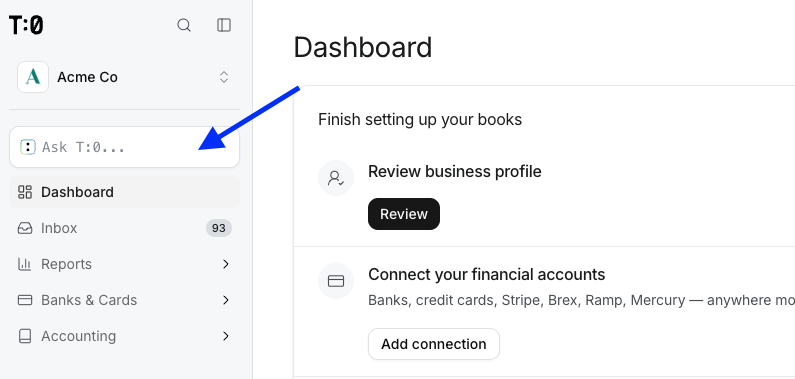
The T:0 chat panel is where you talk to T:0's AI assistant in plain language. Use it to ask questions about your books, refine categorization rules, and ask T:0 to take actions such as creating a journal entry.
How it works
Type a question or request into the chat panel. You can also attach a file or other context to a message for the assistant to reference.
When you ask T:0 to take an action that would change your books, it doesn't act right away. T:0 presents the action as a tool-call approval and waits for you to approve or reject it before making the change.
AI interprets your business and suggests actions; deterministic accounting logic governs the ledger. Human review at key touchpoints — such as the tool-call approval step — stands between AI interpretation and the final numbers.
Quick search with ⌘K
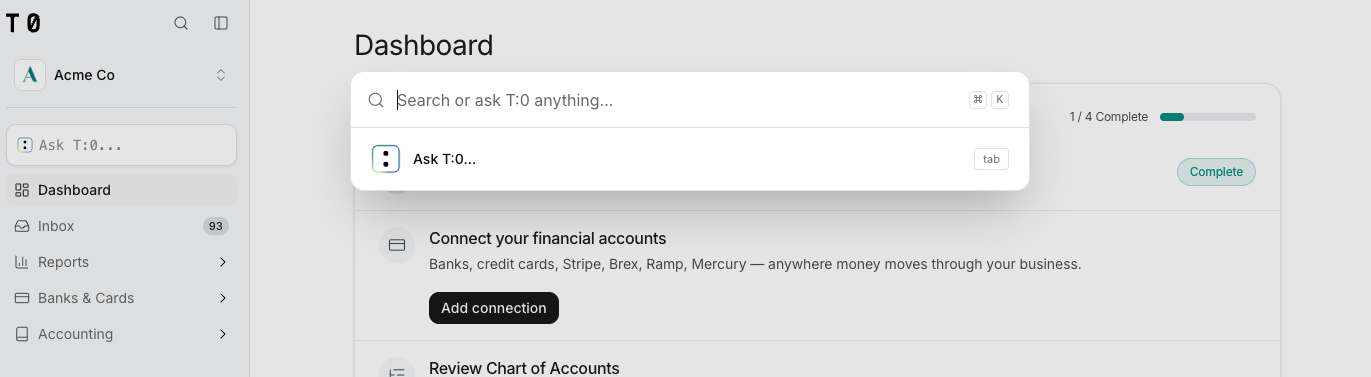
On any page, press ⌘K on Mac or Ctrl+K on Windows to open the search bar and ask T:0 anything about your financials.
What you can ask it to do
- Answer questions about your transactions, accounts, and reports.
- Refine categorization rules in plain language, simulate them against real transactions, and publish once you approve.
- Take actions in your books, such as creating a journal entry or updating a rule — subject to your approval.
- Show and update your business profile.
